See it run. Then run it on your own calls.
Write a question in plain English and Discera analyzes every Gong call in the segment — not a sample — then writes the report. Watch the real product below, then point it at your own pipeline.
100 calls · 30 days · No credit card
Want the step-by-step mechanics and timings? How it works →
From question to report, and beyond.
Connect Gong read-only once — it takes minutes. After that it’s the same simple loop — write, run, read — with deeper analyses and scheduling when you want them. Every frame below is the actual product.
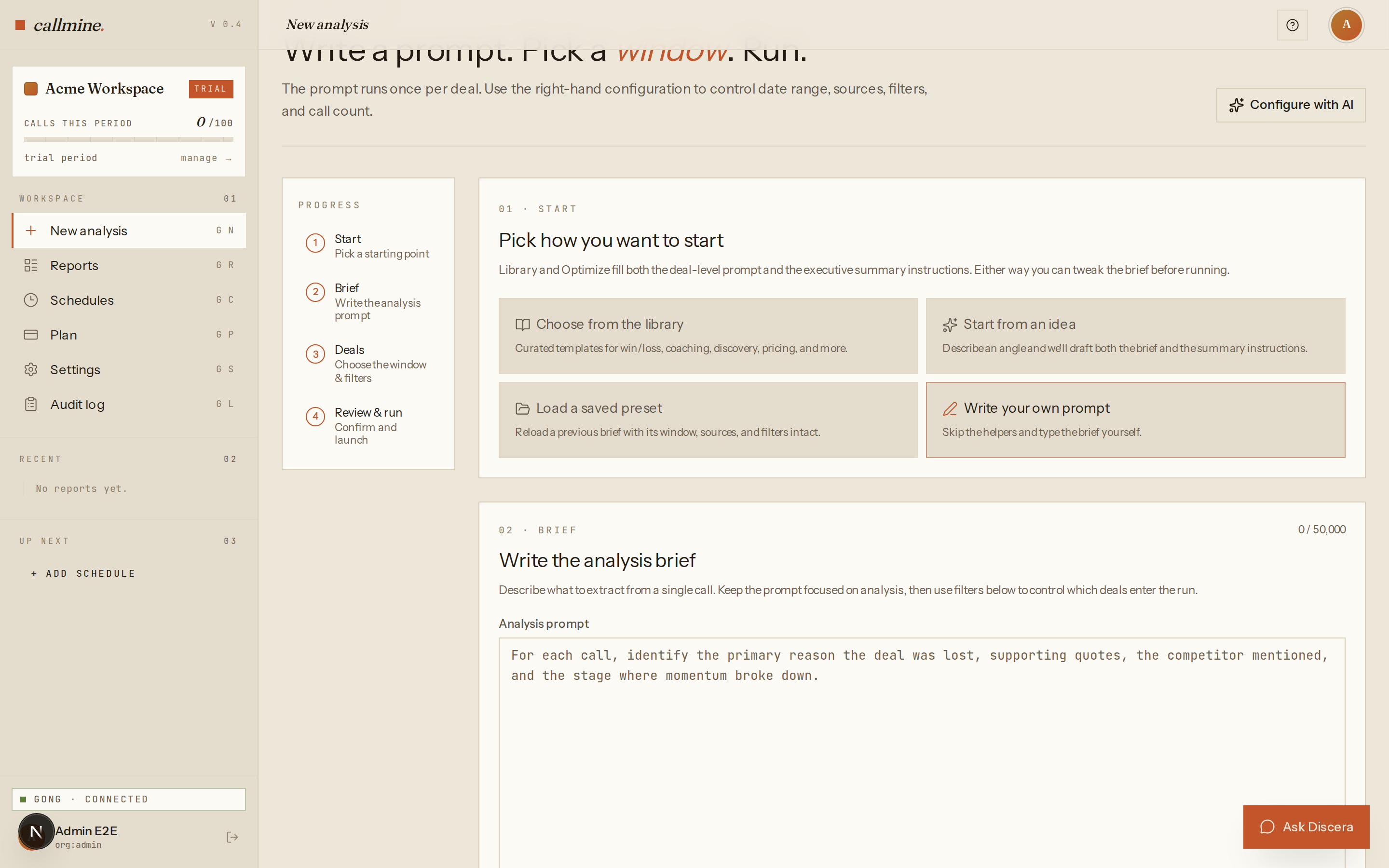
Write your question
Type one prompt in plain English and pick the segment — date range, sources, filters, deal stage. No query language, no dashboard to wire up.
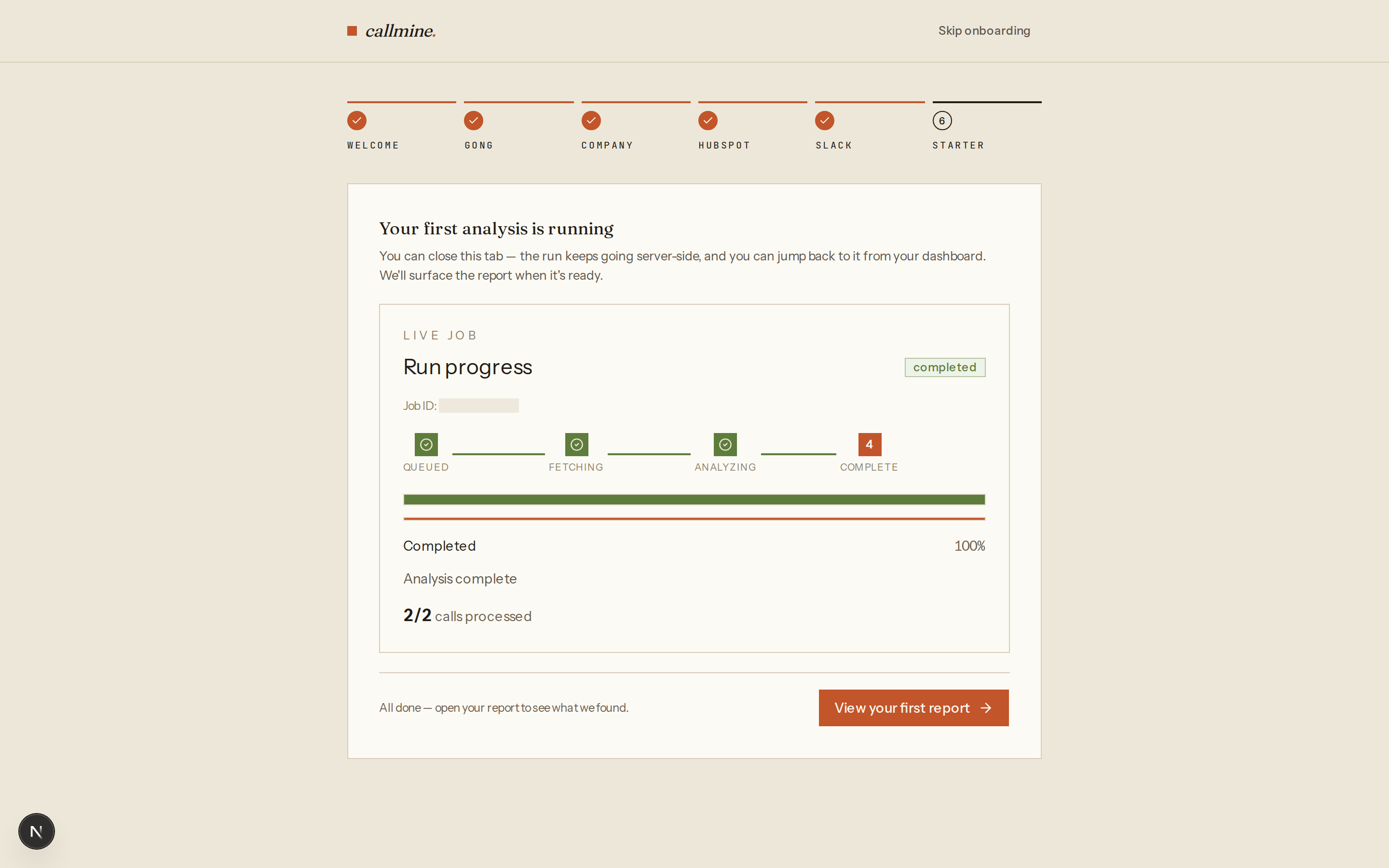
Watch it run across every call
Discera fetches the calls and analyzes each one — the whole segment, not a sample. Close the tab if you want; the run keeps going server-side.
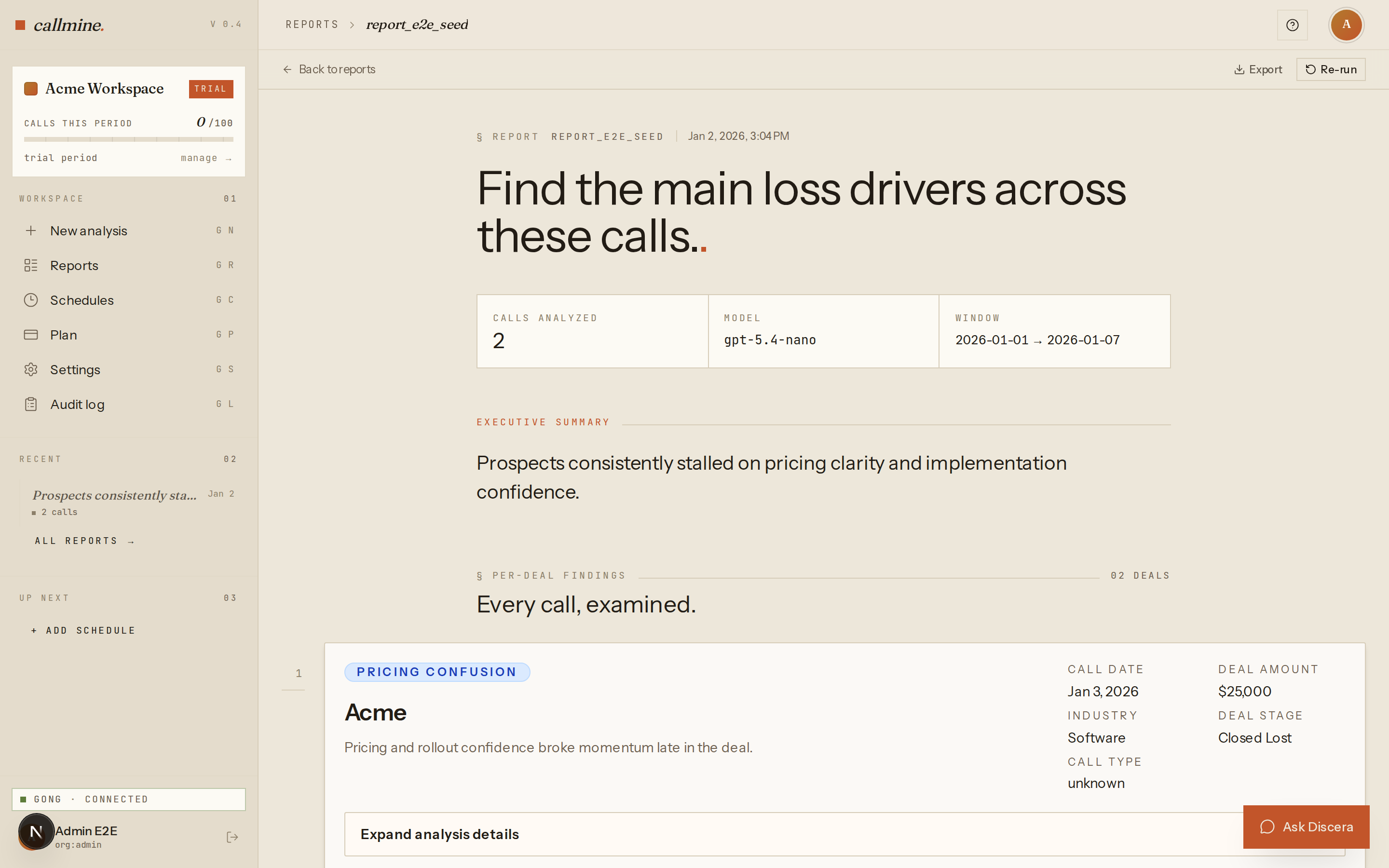
Read the finished report
A written answer — the pattern, the per-deal breakdown, and direct quotes from the calls — delivered to the app, Slack, or your inbox.
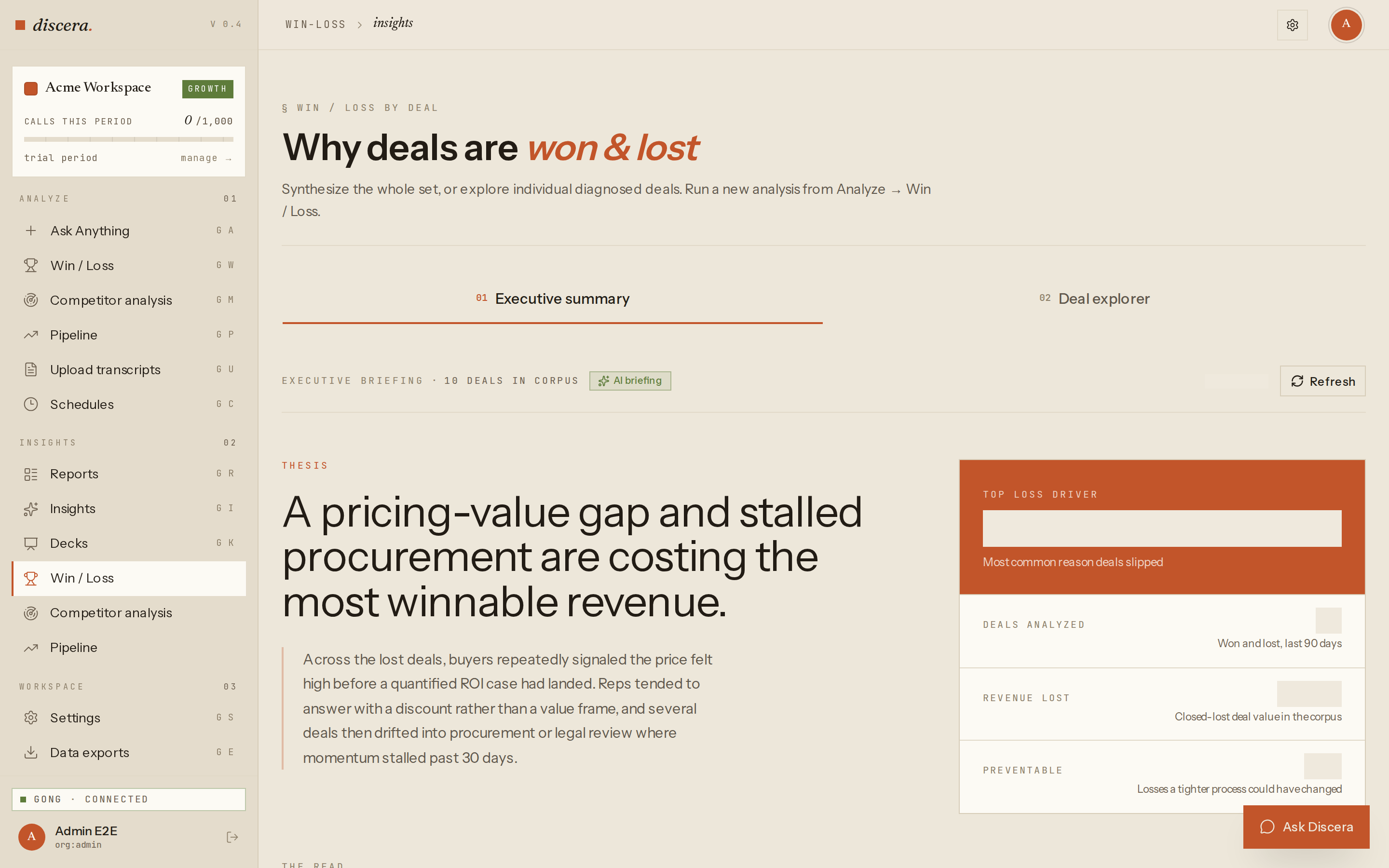
Or diagnose every deal: Win/Loss
Diagnose every won and lost deal once. Discera rolls the whole corpus into an executive briefing — revenue at stake, what was preventable, the top loss driver.
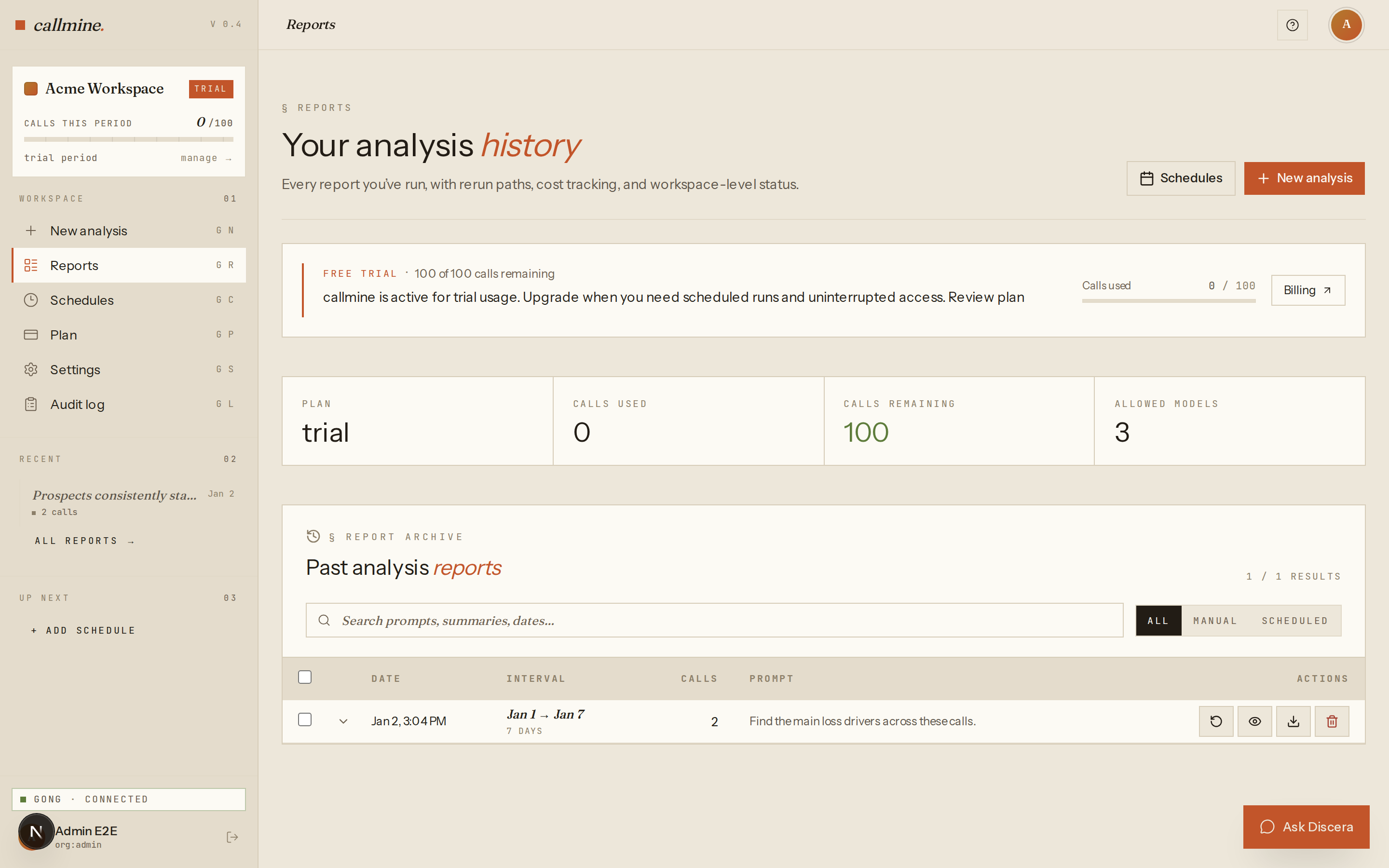
Every report, saved and searchable
Your full analysis history in one place — rerun any report, track usage, and search past prompts and summaries.
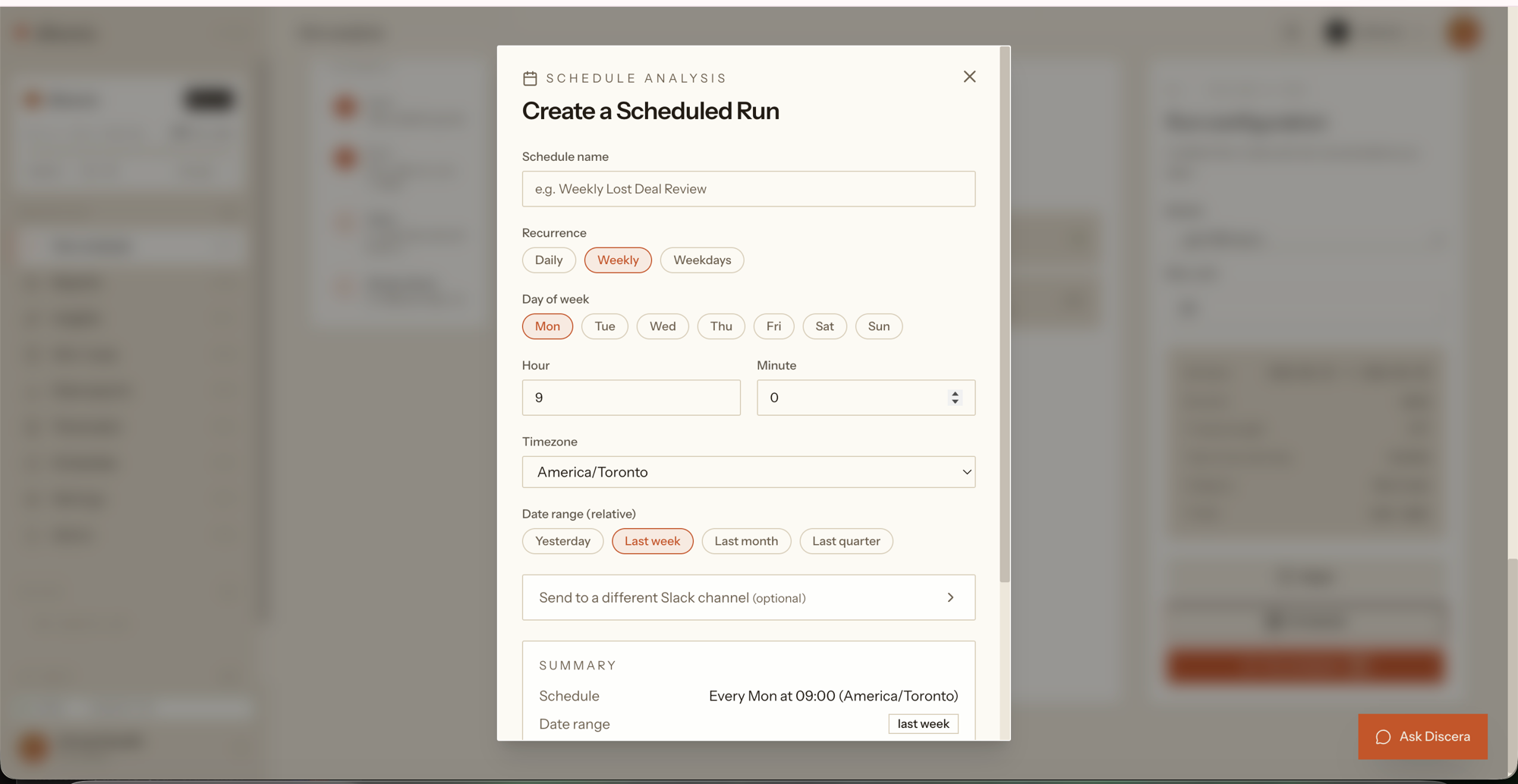
Set it once. It reruns on a schedule
Pick a cadence and timezone and the same analysis reruns automatically — the report lands in Slack or your inbox, no dashboard to babysit.
One question, run across every call.
Each one is a real prompt you can run on your first day — the same question applied to every relevant call, then aggregated into one report.
- 01Why are we losing closed-lost deals?
- 02Which competitors come up most often, and how is that shifting?
- 03What objections are rising in discovery, month over month?
- 04What do buyers say about pricing when we're not in the room?
- 05Where are reps consistently missing discovery questions?
- 06Which messages actually land with buyers?
Enough to run a real analysis, free.
- 100 calls
Enough to run a real analysis on your own pipeline — not a toy sample.
- 30 days
Full access for a month. No clock pressure on day one.
- No credit card
Sign up with your email. Nothing to cancel later.
- Every feature
The whole product during the trial — win/loss, competitive intel, executive summaries, schedules.
After the trial — view your reports for 30 more days, then upgrade to keep running analyses.
Frequently asked.
Is it really free?
Yes. The trial is 100 calls over 30 days with no credit card. When it ends, your workspace enters a 30-day read-only grace period where you can still view existing reports. After that, data is cleared. Upgrade before the trial ends to keep running analyses.
Do I need a credit card to start?
No. You sign up with your email and connect Gong. A card is only needed later if you upgrade for more call volume or longer retention.
How long does setup take?
Minutes. Connect Gong read-only, write one question in plain English, and your first report is usually back before your next stand-up.
What happens when the trial ends?
Your workspace enters a 30-day read-only grace period — existing reports stay visible, but new analyses are locked. After the grace period, workspace data is purged. Upgrade any time to keep running analyses.
Is my Gong data safe?
Discera connects to Gong read-only and never changes your system of record. Every transcript it analyzes is archived in your workspace and exportable anytime. See our DPA and Subprocessors pages.
Stop reviewing calls one by one. Run one question across all of them.
The free trial is 100 calls, 30 days, no credit card — enough to run a real analysis on your own pipeline today.
No credit card required for the 30-day trial · Most first reports back before the next stand-up